
What Are the Best Practices for Interview Scheduling in Creative Positions?
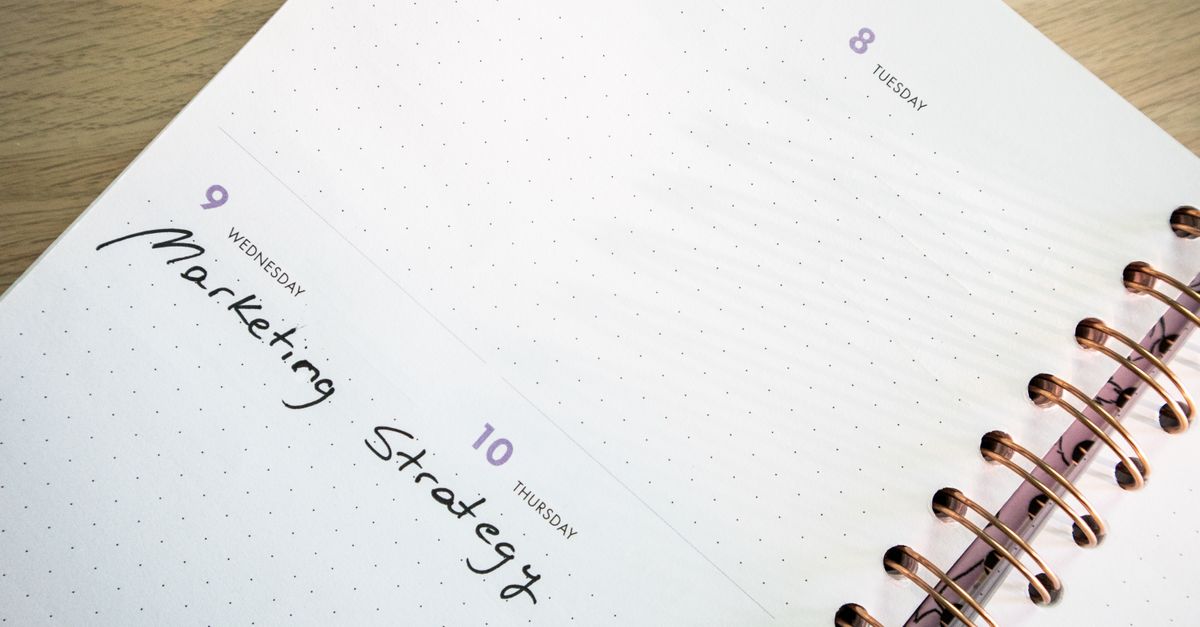
Hiring for creative roles is a high‑stakes game. The talent you attract, the brand perception you build, and the speed at which you move through job applications all influence your ability to secure top candidates and advance careers. Yet interview scheduling often remains an overlooked bottleneck. This article dives into practical strategies that align interview logistics with employer branding, streamline job application flows, and support career advancement—all while keeping the candidate experience polished.
In many agencies and design studios, a single misstep in scheduling can ripple across the entire hiring cycle, turning a promising portfolio into a missed opportunity. By tightening the timing and communication around interviews, recruiters not only reduce administrative load but also demonstrate respect for creative professionals’ time—an essential signal that the organization values their craft.
Understanding the Landscape of Creative Hiring
Creative positions—designers, writers, artists, and product visionaries—demand a different hiring rhythm than traditional engineering roles. They thrive on flexibility, inspiration, and collaboration, so rigid scheduling can signal a misaligned culture. Below are common challenges that creative recruiters face when coordinating interviews:
Key Challenges in Creative Interview Scheduling
- Time zone mismatches with global talent pools.
- Unpredictable availability of senior creatives who juggle multiple projects.
- Need for live portfolio reviews or studio visits that require real‑time coordination.
- High volume of applicants per position, leading to scheduling fatigue.
- Balancing internal stakeholder calendars with external candidate timelines.
Recognizing these pain points is the first step toward crafting a system that respects both your brand and your candidates’ creative rhythms. For example, a freelance illustrator may only be available on weekdays after 3 pm local time; ignoring this nuance can lead to repeated rescheduling cycles.
Aligning Schedule Strategy with Brand Promise
Your employer branding extends beyond marketing materials; it includes every touchpoint a candidate experiences, from the initial job posting to the final interview. When your scheduling process feels clunky or disjointed, you risk eroding that brand promise. Here’s how to keep scheduling in sync with your creative culture:
Five Steps to Brand‑Aligned Scheduling
- Define Your Core Values. Translate them into concrete scheduling policies—e.g., “We value flexibility” → offer multiple time slots or virtual options. A brand that emphasizes collaboration will also provide collaborative tools during the interview itself.
- Create a Candidate‑Centric Calendar. Use a shared booking system that auto‑adjusts for candidate time zones and displays your brand colors and messaging, reinforcing visual consistency from day one.
- Automate Reminders with Personality. Send automated emails that include quick creative prompts or inspirational quotes to keep candidates engaged while they wait for the interview.
- Offer Remote and In‑Person Options. For portfolio reviews, provide a virtual whiteboard session first, then invite top candidates for an onsite studio visit if they’re local. This tiered approach shows respect for both remote talent and in‑person collaboration.
- Collect Feedback Post‑Interview. Ask candidates about their scheduling experience to refine the process continuously. Even a single “Did you find the booking link easy to use?” question can surface hidden friction points.
When these steps are embedded in your workflow, interview scheduling becomes a brand touchpoint rather than a friction point, and creative talent will feel immediately welcomed.
Technical Tools and Automation to Reduce Manual Work
Manual calendar coordination is time‑consuming and error‑prone. Investing in the right tools can streamline the process, reduce no‑shows, and free up recruiters to focus on strategy. Below are the most effective solutions for creative hiring teams:
Tool Comparison: Calendly vs. Doodle vs. Microsoft Bookings
| Feature | Calendly | Doodle | Microsoft Bookings |
|---|---|---|---|
| Integration with CRM | Yes (HubSpot, Salesforce) | Limited | Yes (Dynamics 365) |
| Time Zone Sync | Automatic | Manual | Automatic |
| Custom Branding | High | Medium | Low |
| Pricing (annual) | $120 | $75 | $240 |
| Best for Creative Roles | ✅ | ❌ | ❓ |
| Live Portfolio Embedding | Yes (embed Figma or Behance links) | No | Partial |
For a creative hiring team, Calendly’s robust integration with design tools (like Figma) and its ability to embed live portfolio links in the booking confirmation make it the top choice. Microsoft Bookings can be valuable if your organization already relies on the Microsoft ecosystem.
Key takeaway: Automating interview scheduling not only saves hours but also sends a subtle message that your brand values efficiency, which is attractive to creative talent.Candidate Experience Through Seamless Scheduling
A smooth scheduling flow directly impacts how candidates perceive the company’s culture. A candidate who experiences friction during booking may assume similar obstacles exist in day‑to‑day work. Here are tactics that elevate the experience:
- One‑Click Booking. Provide a single link that auto‑fills their email and preferred time zone.
- Transparent Availability. Show recruiters’ calendars with blocked slots for meetings, leaving clear windows for candidate interviews.
- Instant Confirmation & Calendar Sync. Send confirmation emails that automatically add the interview to Google or Outlook.
- Pre‑Interview Resources. Attach a brief creative prompt or portfolio checklist so candidates come prepared.
- Real‑Time Support. Offer a live chat widget for last‑minute rescheduling questions.
Implementing these practices reduces no‑show rates by up to 30% and increases candidate satisfaction scores, which in turn boosts your employer branding metrics. Additionally, providing a virtual whiteboard link before the interview allows candidates to rehearse their portfolio walk‑throughs, ensuring a smoother live session.
Metrics to Track Success in Interview Scheduling
Quantifying the impact of scheduling improvements helps justify investment and guides continuous improvement. Focus on the following KPIs:
- Time‑to‑Schedule. Average number of days from application receipt to interview confirmation.
- No‑Show Rate. Percentage of scheduled interviews that are missed.
- Candidate Satisfaction Score. Survey responses on scheduling experience, averaged across all candidates.
- Recruiter Efficiency. Hours saved per recruiter due to automation.
- Interview Completion Ratio. Number of completed interviews versus total scheduled.
Set baseline values before implementing changes and aim for at least a 15% improvement in each metric within three months. For example, if your initial time‑to‑schedule is 10 days, a reduction to 8.5 days reflects a meaningful acceleration of the hiring cycle.
Common Pitfalls and How to Avoid Them
Even well‑planned systems can fail if you overlook these common mistakes:
- Overloading Calendars. Scheduling too many interviews back‑to‑back leaves recruiters exhausted. Keep buffer time between slots.
- Ignoring Time Zones. Global talent requires automatic time zone conversion; otherwise, candidates will be confused and frustrated.
- Lack of Candidate Communication. Failing to send reminders or follow‑ups can increase no‑show rates.
- Not Testing the Flow. Always run a pilot test with internal staff before rolling out to external candidates.
- Missing Feedback Loops. Without candidate surveys, you’ll miss opportunities for refinement.
By actively managing these pitfalls, your scheduling system will support both creative talent acquisition and employer branding goals. For instance, inserting a 15‑minute buffer after each interview allows recruiters to debrief quickly without feeling rushed, which preserves the quality of subsequent interactions.
Implementing a Pilot Program: A Step‑by‑Step Guide
Deploying a new scheduling workflow should start small. Here’s how to launch a pilot that yields actionable insights:
- Select One Position. Choose a high‑volume creative role (e.g., Senior Graphic Designer) to test the system.
- Configure Your Tool. Set up Calendly with your brand colors, add a custom confirmation page, and integrate with your ATS.
- Invite Internal Stakeholders. Share the booking link with hiring managers and interviewers; ask them to block their calendars accurately.
- Recruit Candidate Cohort. Pull the top 20 candidates from your applicant pool and send personalized scheduling emails.
- Track Metrics. Log time‑to‑schedule, no‑show rates, and recruiter hours saved for this cohort.
- Collect Feedback. After interviews, email a short survey asking about the booking experience.
- Analyze Results. Compare pilot metrics against baseline; identify gaps and areas for improvement.
- Iterate and Scale. Refine the process based on data and roll out to additional roles.
- Post‑Implementation Review. Schedule a debrief with the recruiting team after three months to assess long‑term impact and plan further enhancements.
Once the pilot validates your approach, expand to all creative hiring pipelines while maintaining a continuous improvement mindset. The iterative loop of testing, measuring, and refining ensures that scheduling remains aligned with evolving creative workflows.
What scheduling challenges have you faced in creative hiring, and how did you address them?


